
Timesheets filled in at the end of the shift and approved before payroll
Your team logs hours on their phone or tablet, a supervisor approves them, and a branded PDF is ready for payroll or a client invoice.
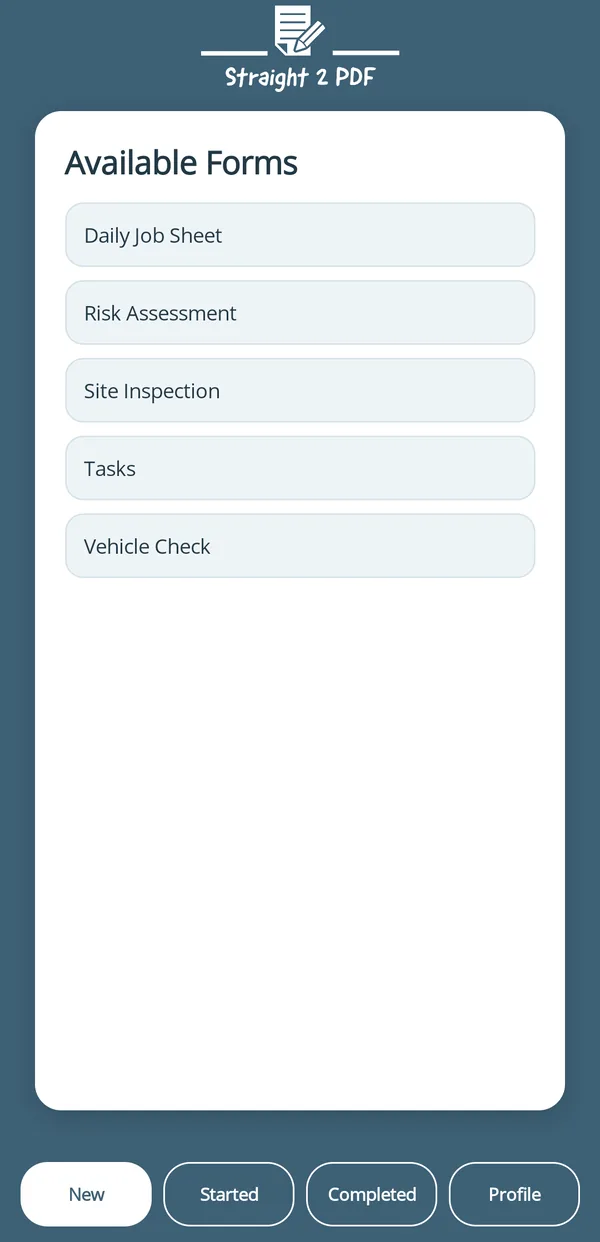
pick the form, fill it in
Built for hours that need to be right
From the field to payroll, without a paper timesheet or a spreadsheet re-entry in between.
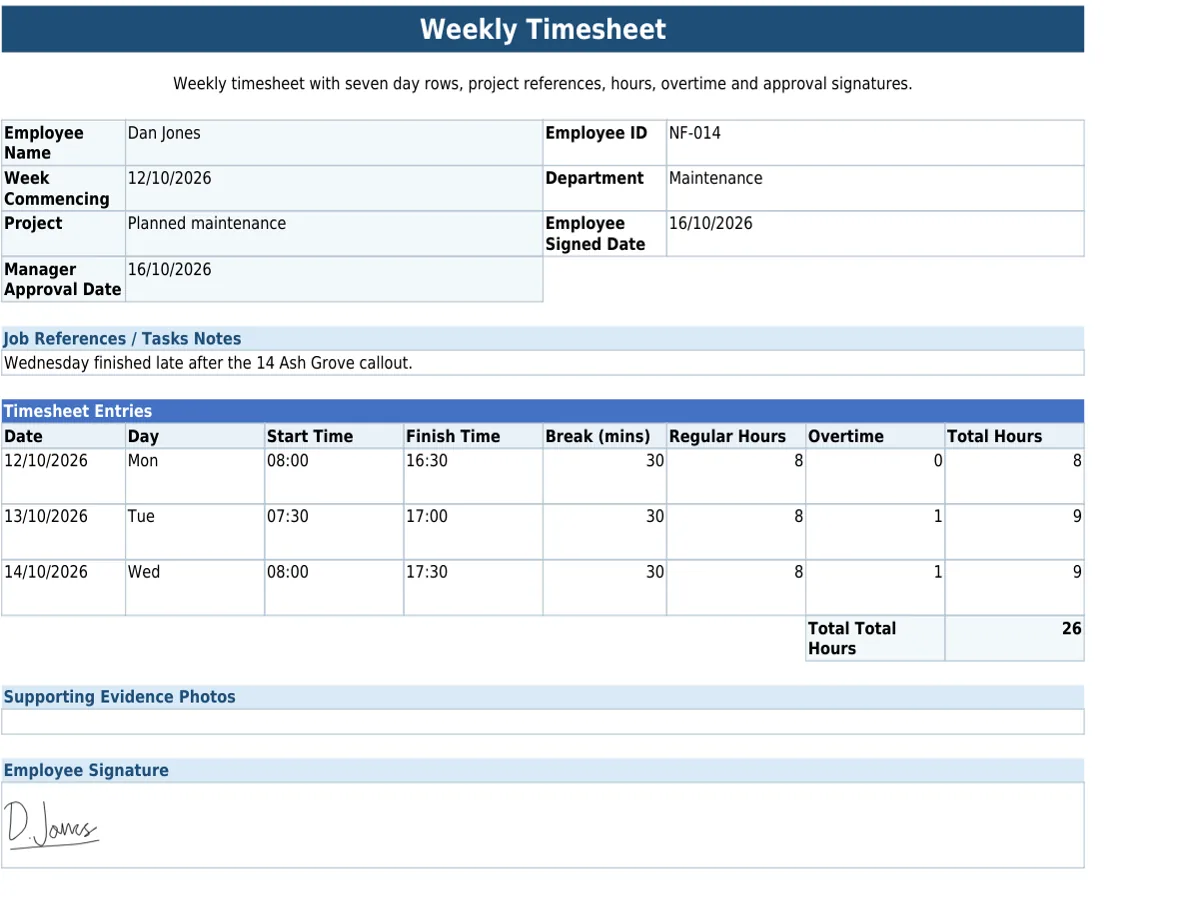
Paper formFinished PDF
- Nothing to lose or chase.
Field and site teams log hours on their phone or tablet at the end of a shift, with no paper timesheet to lose or chase.
- Approved before it counts.
A supervisor approves the submitted hours, or sends them back for correction, catching errors before they reach payroll.
- Ready for payroll or billing.
A finished, branded PDF is created once the timesheet is approved, ready for payroll or to attach to a client invoice.
Set the timesheet up once, with the fields and sign-off your payroll process needs, in the form builder or from a ready-made template.
Included on every plan: works with no signal, scans barcodes, QR codes and text, and sends forms to people without an account. See everything it does
Questions about timesheets
Can we assign a timesheet to a specific team member?
Yes. Timesheets can be sent pre-filled to a chosen user within your company, so the right person receives the right form.
What is the Timesheet & HR add-on, and what data does it hold?
It is an optional add-on for timesheets, holiday requests and sickness records. Sickness records count as health data, so only the approvers and admins you choose can see them, their notes are encrypted, and records are deleted 6 years after the period they cover. Any Statutory Sick Pay figures it works out are a guide: check them before you run payroll.
Timesheets are kept for as long as your account is open, unless you delete them. Your plan sets how far back you can view and search them (see pricing), and the Data Retention Schedule has the full detail.
Get this week’s hours in without chasing
Start your 30-day Pro trial today.