
Service reports in the customer’s inbox before the engineer drives off
Capture the work, the photos and the customer’s signature on site. The branded PDF report is created the moment the form is submitted, with no office admin and no delay.
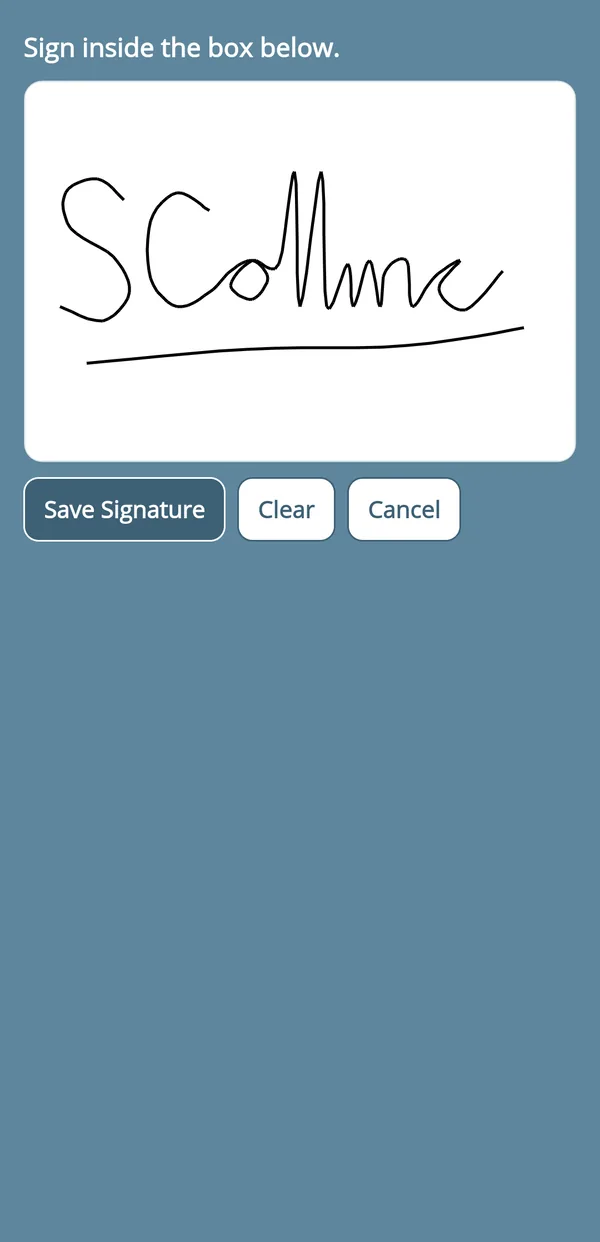
customer signs on your phone
Built for speed, from site to inbox
The report is finished when the job is finished, not when someone gets back to the office.
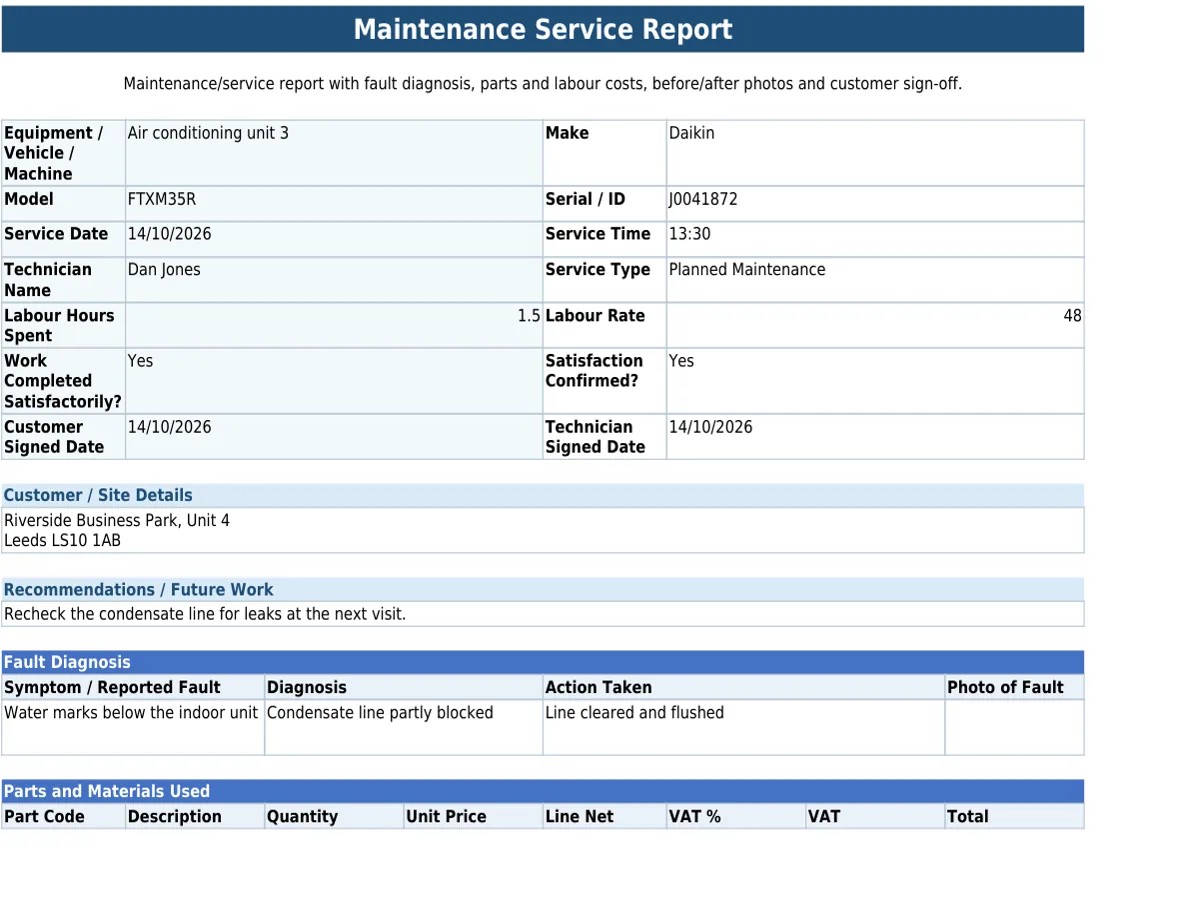
Paper formFinished PDF
- Before-and-after photos.
Attach photos to the service report, so customers and your office see exactly what was done.
- Signed on the same device.
Capture the customer’s signature on the engineer’s phone before they leave, included directly in the finished report.
- Their copy, automatically.
A PDF receipt email with the completed report attached goes to the customer once the form is submitted, so they have their copy without extra admin.
Set the report up once, with the fields, photo prompts and sign-off you need, in the form builder or from a ready-made template.
Included on every plan: works with no signal, scans barcodes, QR codes and text, and sends forms to people without an account. See everything it does
Questions about service reports
Can the service report PDF carry our own branding?
Yes, on paid plans. Straight2PDF branding is removed during the Pro Trial and on Pro and Business plans, so the finished PDF carries your company’s own branding.
Completed service reports are kept for as long as your account is open, unless you delete them. Your plan sets how far back you can view and search them (see pricing).
Send your next service report before you leave
Start your 30-day Pro trial today.