
Risk assessments a supervisor approves before work starts
Complete the assessment on site, photograph the hazards and the controls in place, and it can’t be finalised until a supervisor has approved it.
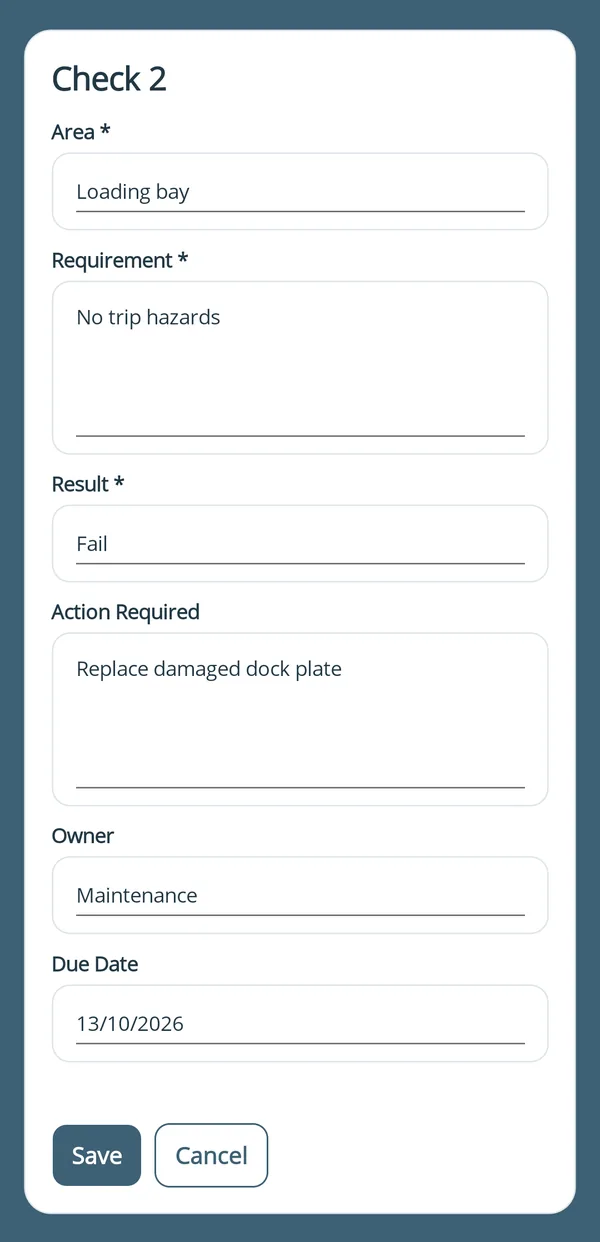
a fail needs an action
Built for sign-off before work starts
Risk assessments that need approval get approval, before anyone starts the job.
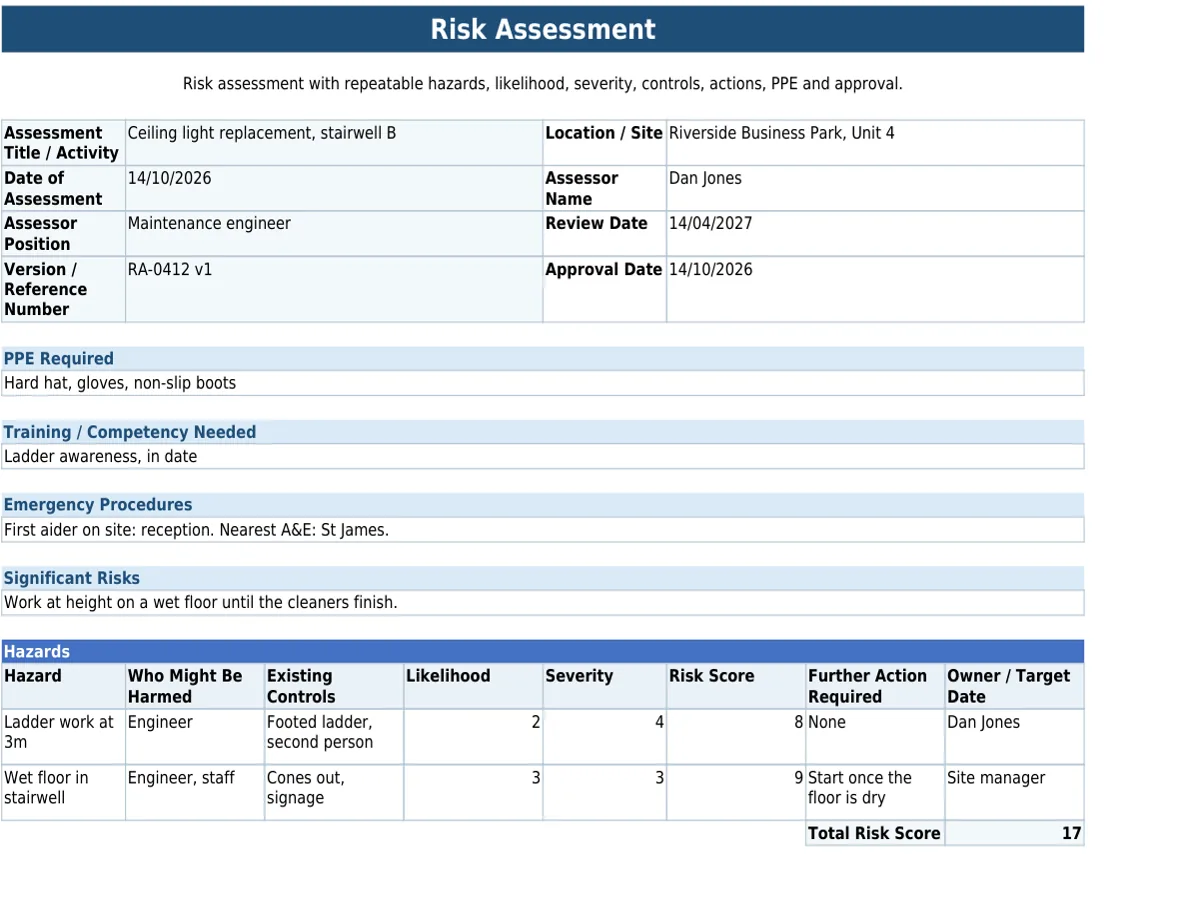
Paper formFinished PDF
- Can’t be finalised without approval.
Mark risk assessments as review-required, so they can’t be fully submitted until a reviewer has checked and approved them.
- Sent back when it needs more.
Reviewers approve on the spot, or send it back for extra details, photos or corrections when a hazard or control measure needs more. The person who submitted it is told to update it.
- Evidence of hazards and controls.
Photograph the hazard and the control measure in place, so the finished PDF shows exactly what was assessed and how it was managed.
Set the assessment up once, with hazard, control and sign-off fields, in the form builder or from a ready-made template.
Included on every plan: works with no signal, scans barcodes, QR codes and text, and sends forms to people without an account. See everything it does
Questions about risk assessments
Can we attach method statements or previous assessments for reference?
Yes. PDFs, images or supporting documents can be attached to a risk assessment before it’s sent, so the person completing it has the right reference material on site.
Completed risk assessments are searchable in your submission history and kept for as long as your account is open, unless you delete them. Your plan sets how far back you can view and search them (see pricing).
Get sign-off before anyone starts work
Start your 30-day Pro trial today.